Yoto Players
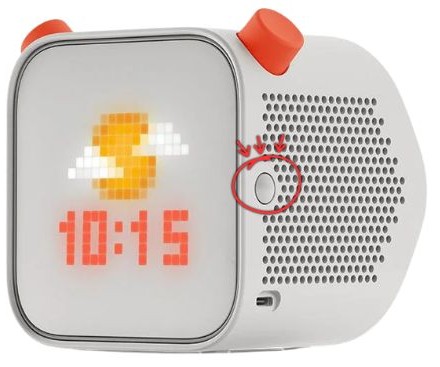
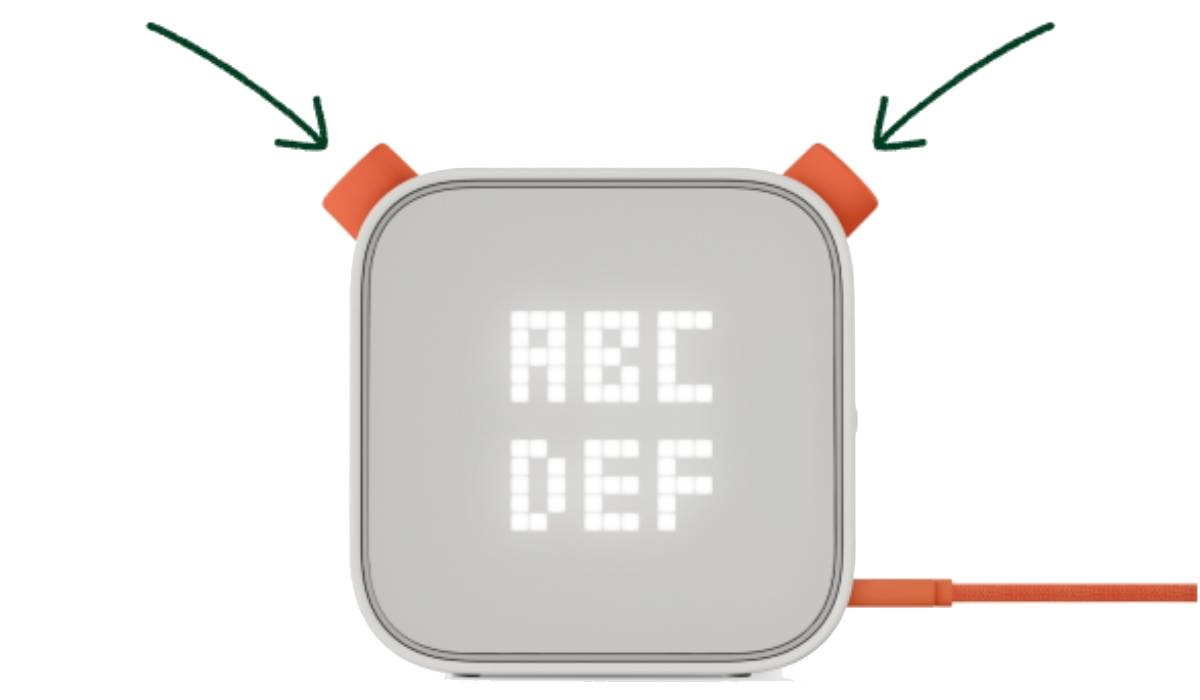
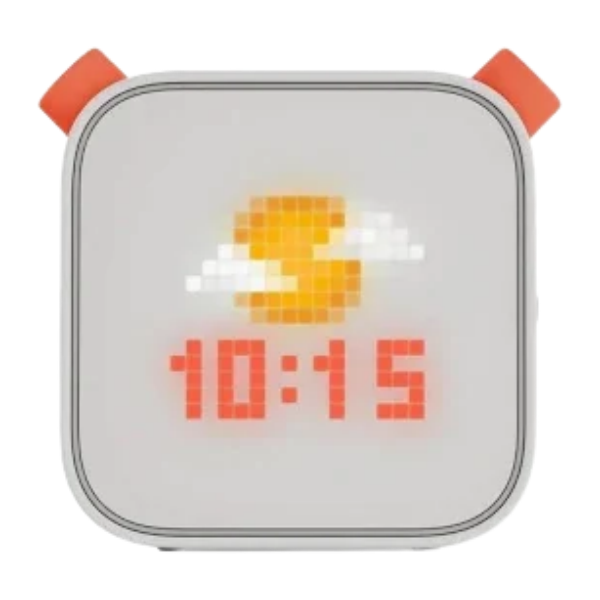
Borrow a Yoto Player from the Port Moody Public Library! Yoto Players are small, screen-free audio players designed for kids. Yoto Players can play stories, music, and learning content.

How do Yoto Players work?
Yoto Players can play audiobooks using small physical cards (Yoto Cards) that insert directly into the Yoto Player. Yoto Cards are available to borrow through the library. The player can also be used as a Bluetooth speaker, has its own radio channels, and more!
How can I borrow a Yoto Player?
Request a Yoto Player kit from the Accounts Desk, or place a hold if none are available:
Each Yoto Player kit comes with a Yoto Player, 3 Yoto cards, and a charging cable.
Borrowing guidelines:
- Loan period: 21 days
- Renewals are permitted if there are no holds on the item.
Where can I return the Yoto Player kit?
Please return the Yoto Player kit to the Port Moody Public Library only, directly to the Accounts Desk.
Do not return the Yoto Player kit in the book drop.
Yoto Player setup instructions
Yoto Players must be configured with the Yoto app before use.